Onboard new hires without the paperwork
Digital onboarding forms that collect everything you need. New hire info, tax forms, policy acknowledgments, and equipment requests in one smooth flow.
Why digital onboarding matters
First impressions count. New employees drowning in paper forms, chasing down signatures, and waiting for IT tickets start with frustration. Digital onboarding creates a smooth, professional experience that gets new hires productive faster and sets the tone for their entire tenure.
Faster time to productivity
Complete paperwork before day one. New hires arrive ready to work instead of spending their first week filling out forms. Onboarding that takes days can happen in hours.
Never miss required information
Digital forms ensure every required field is completed. No more chasing employees for missing signatures or incomplete tax forms. Validation rules catch issues immediately.
Professional first impression
Branded, mobile-friendly forms show new hires they have joined a modern organization. The onboarding experience reflects your company culture from the very start.
Complete onboarding in one place
From personal information to equipment requests, handle every aspect of new hire onboarding with connected digital forms.
New hire information forms
Collect personal details, contact information, emergency contacts, and employment history. Pre-fill known data and let new hires complete the rest on their own time.
Document collection
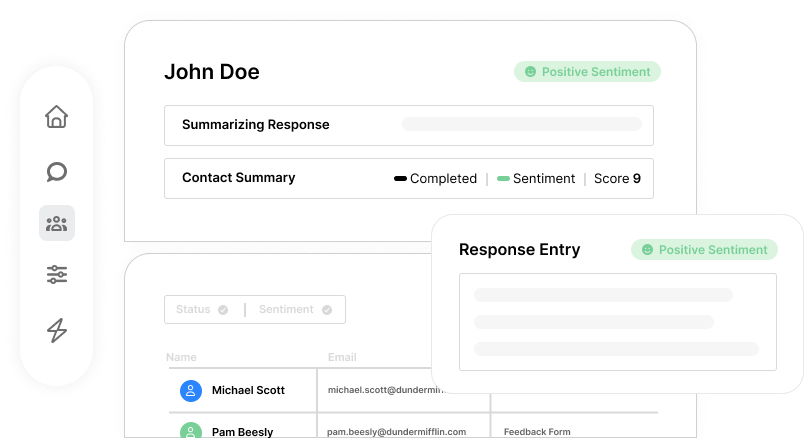
Securely collect copies of IDs, tax documents, certifications, and other required paperwork. File uploads make document submission easy for employees working remotely.
Policy acknowledgments
Present company policies, handbooks, and agreements for review and signature. Track who has acknowledged what and when. Maintain compliance records automatically.
Equipment and access requests
Collect equipment preferences, software needs, and access requirements. Route requests to IT automatically. New hires arrive to a desk ready with everything they need.
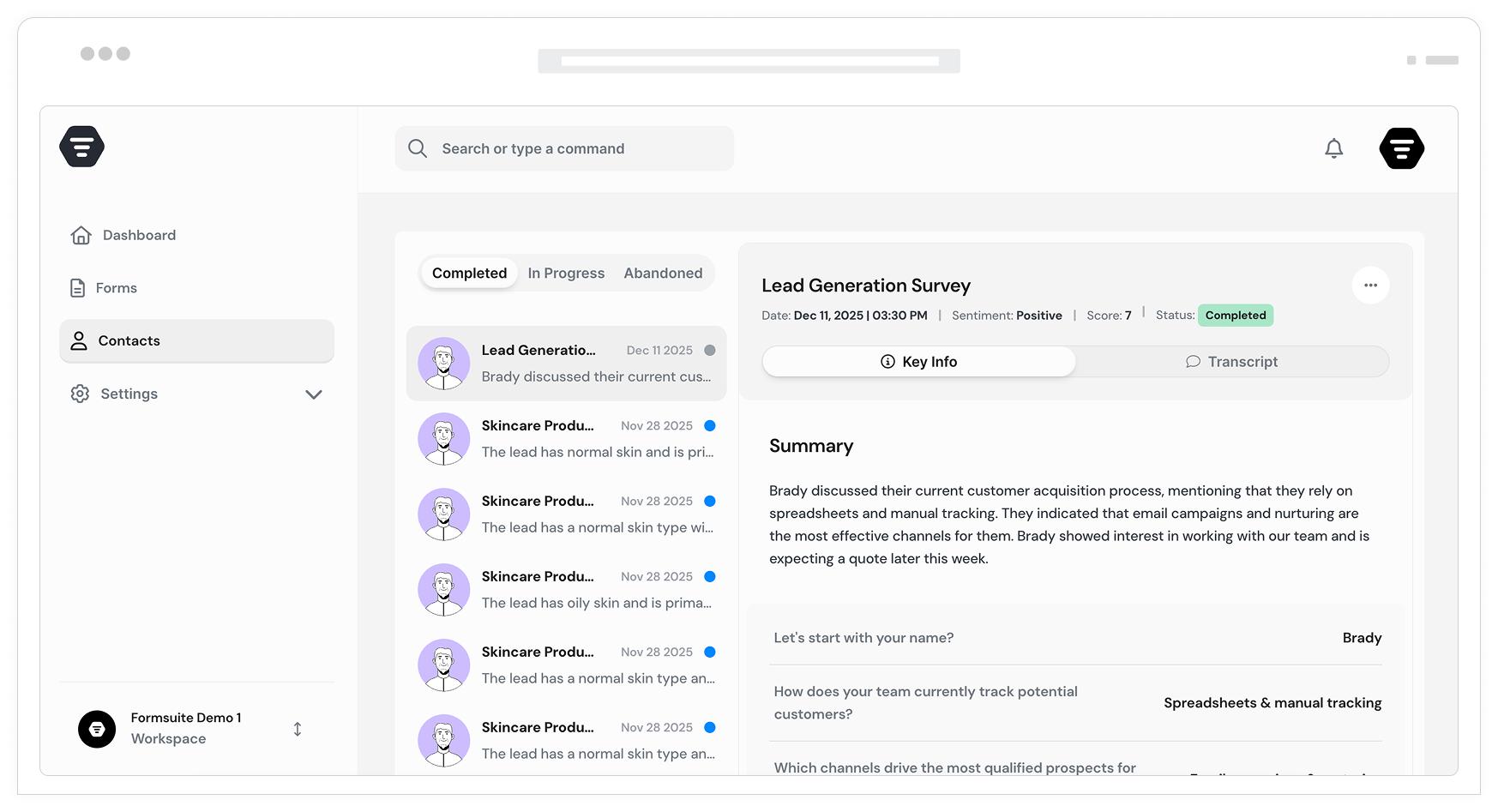
Organized form sections
Break long onboarding forms into logical sections. Personal info, then emergency contacts, then tax details. Progress indicators show how much remains. Less overwhelming, higher completion.
Role-based questions
Ask different questions based on department, role, or location. Remote workers see home office questions. Managers see team setup fields. Relevant forms for every hire.
Secure document upload
New hires upload ID copies, tax forms, and certifications directly. Files are stored securely and attached to their submission. No email attachments or paper scanning.
Save and resume
Long forms do not need to be completed in one sitting. New hires can save progress and return later. No lost work if they need to gather documents or take a break.
Completion alerts
HR receives email notifications when onboarding forms are submitted. Know immediately when new hires complete their paperwork. No manual follow-up needed.
Company branded forms
Apply your company colors, logo, and styling to onboarding forms. New hires experience your brand from the first interaction. Professional appearance builds confidence.
Frequently Asked Questions
Everything you need to know about digital employee onboarding. More questions? We are here to help.
Still need help? Contact Us
Collect personal information, emergency contacts, tax withholding details, direct deposit information, equipment preferences, software access requests, policy acknowledgments, and any custom fields your organization requires.
Yes, file upload fields allow new hires to submit copies of identification, tax documents, certifications, degrees, and any other required paperwork. Files are securely stored with their form submission.
Absolutely. Send form links via email as soon as an offer is accepted. New hires complete paperwork at their convenience before day one, arriving ready to work instead of filling out forms.
View all submissions in your dashboard. See who has completed forms, who has started but not finished, and who has not begun. Export completion reports for HR records.
Yes, use conditional logic to show different sections based on department, role, location, or employment type. Remote workers see different questions than office workers. Managers see leadership-specific fields.
Yes, partial submission and save-and-resume features let new hires complete long forms over multiple sessions. They receive a link to continue where they left off.
Form validation ensures all required fields are filled before submission. New hires cannot skip mandatory information. No more chasing employees for missing signatures or incomplete sections.
Yes, connect to your HR systems through Zapier. Automatically create employee records, update databases, or trigger workflows in your HRIS when onboarding forms are submitted.
Templates to get you started
Start from a ready-made template and customize it to fit your needs.
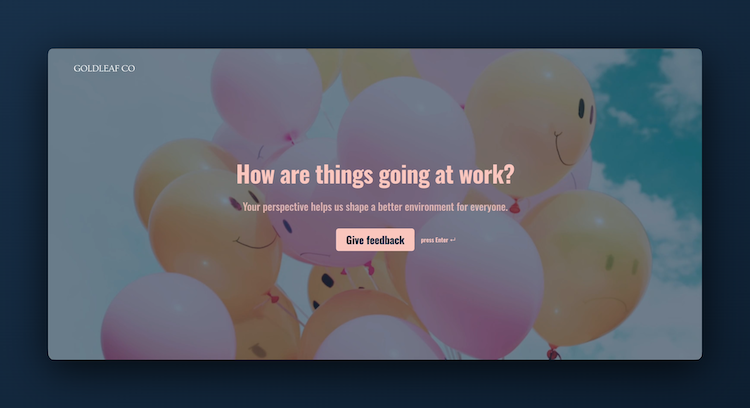
Employee Feedback Form
Invite honest input from your team so you can improve processes, culture, and communication.
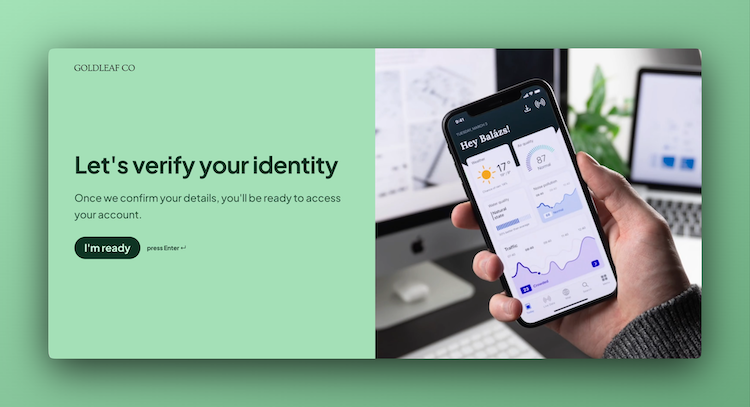
KYC Form
Verify client information accurately and meet compliance standards while minimizing onboarding risk.
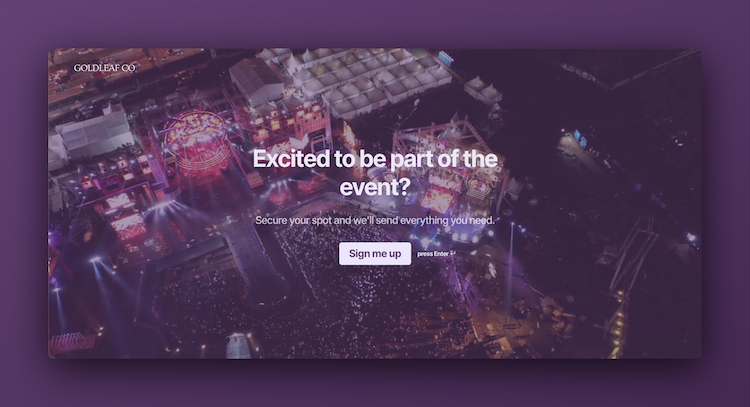
Event Signup Form
Increase attendance and easily collect the key details you need from every guest.
Build complete HR workflows
Employee onboarding works best with these complementary features.