Forms that feel like conversations
Guide users through one question at a time with a chat-like experience that boosts completion rates and captures better, more thoughtful responses.
Why conversational forms convert better
Traditional forms display everything at once, overwhelming users before they even begin. Conversational forms flip this approach by presenting questions sequentially in a chat-like interface. Each question gets full attention, responses are more thoughtful, and users feel guided rather than interrogated.
Reduce form abandonment
When users see a long form, many leave before starting. Conversational forms hide the total length, revealing questions one at a time. Users focus on the current question without anxiety about what comes next, leading to significantly higher completion rates.
Create personal connections
The dialogue format makes users feel like they are having a conversation rather than filling out paperwork. This personal touch builds trust, encourages honest responses, and leaves a positive impression of your brand.
Mobile-first by design
Conversational forms shine on mobile devices where screen space is limited. One question at a time fits perfectly on any screen size, eliminating awkward scrolling and zooming that plague traditional forms on phones.
A natural flow from start to Finish
Watch how conversational forms transform the user experience. Every interaction feels intuitive, every transition feels smooth, and every completion feels like an accomplishment.
Welcome users personally
Start with a friendly greeting that sets the tone. Introduce yourself, explain what you need, and make users feel comfortable before asking for any information. First impressions matter, and conversational forms let you make a great one.
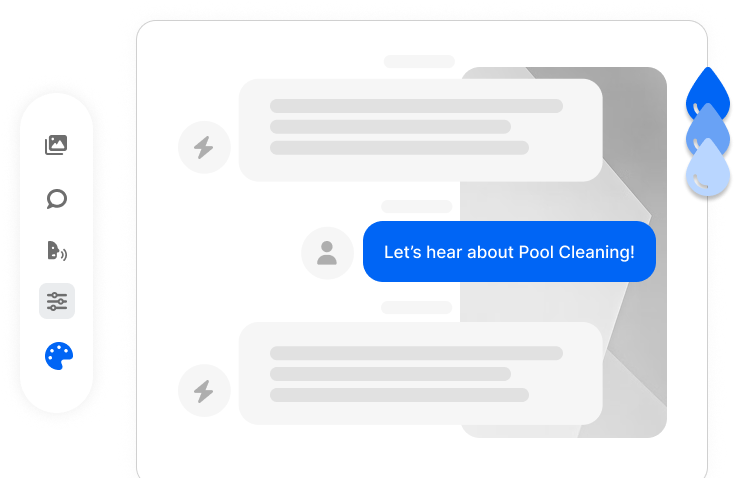
Guide through each question
Present one question at a time with smooth transitions between steps. Users see their progress, understand the context, and can focus entirely on providing the best answer. No distractions, no overwhelm, just clear communication.
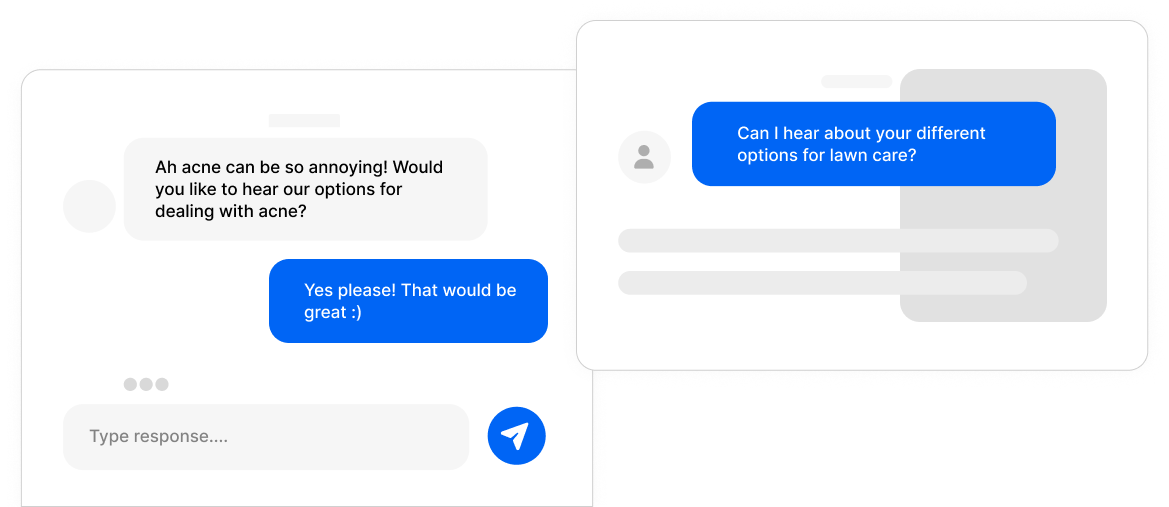
Adapt based on responses
Combine conversational forms with conditional logic to create truly personalized experiences. Skip irrelevant questions, dive deeper on important topics, and show users only what matters to them based on their previous answers.
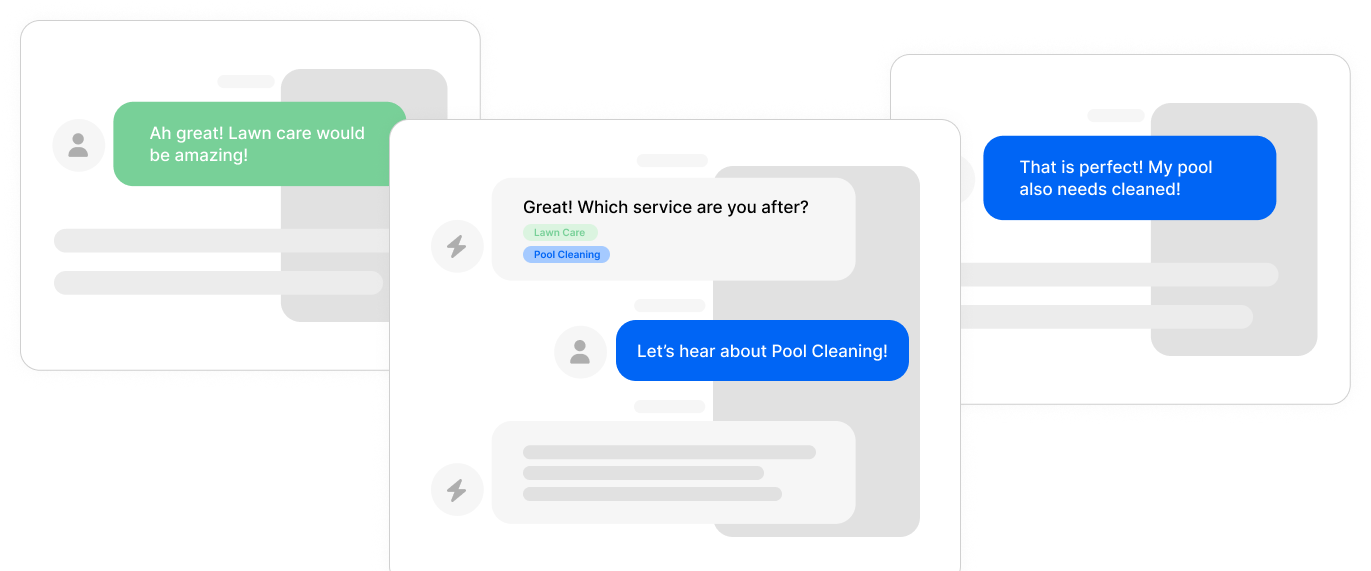
End with purpose
Close the conversation meaningfully with custom thank-you messages, next steps, or redirects to relevant pages. Every ending is an opportunity to continue the relationship, whether that means scheduling a call, downloading a resource, or making a purchase.
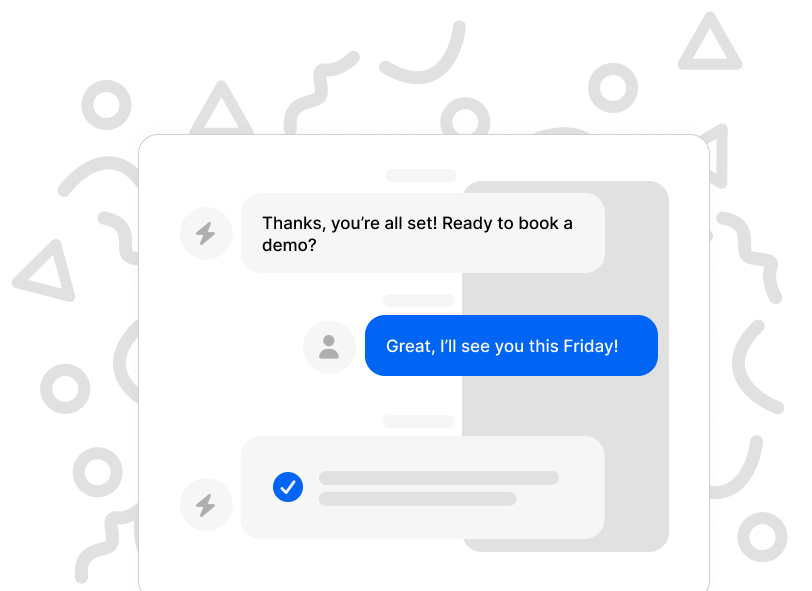
Chat-like interface
Questions appear in familiar chat format with smooth animations, creating a familiar messaging experience. Users feel like they are chatting with a helpful assistant rather than filling out bureaucratic paperwork.
Visual progress indicators
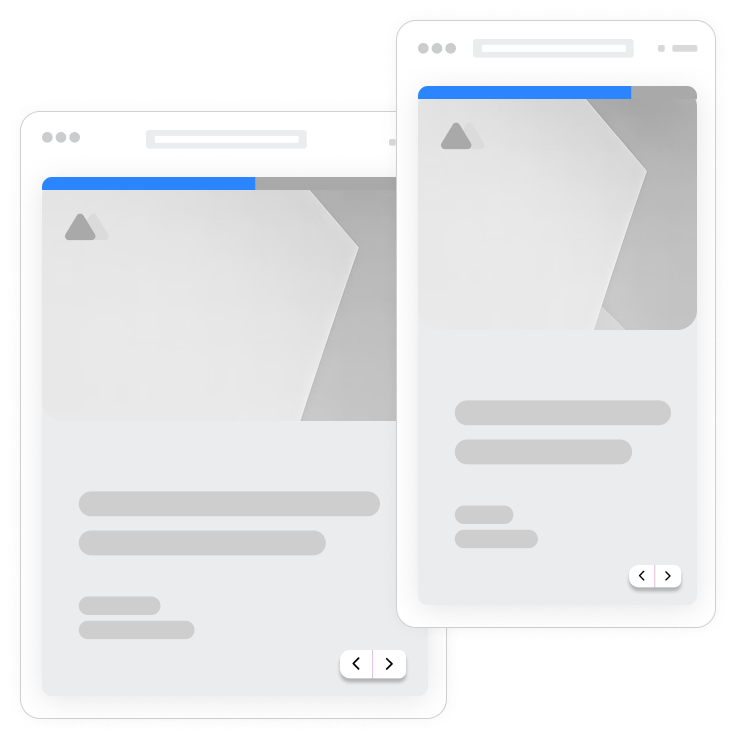
Show users exactly where they are in the conversation with elegant progress bars or step counters. Transparency builds trust and motivates completion as users see themselves moving toward the finish.
Keyboard navigation
Power users can fly through conversational forms using just their keyboard. Press Enter to advance, use letters and numbers to select options, and complete forms in record time without touching the mouse.
Answer personalization
Reference previous answers in later questions to create truly personal conversations. Greet users by name, acknowledge their choices, and make each interaction feel tailored specifically to them.

Frequently Asked Questions
Everything you need to know about conversational forms and how they can transform your data collection. Still have questions? Our team is here to help.
Still need help? Contact Us
Conversational forms present questions one at a time in a chat-like interface, mimicking a natural dialogue between you and the user. Instead of displaying all form fields at once, each question appears sequentially after the previous one is answered. This creates a guided, focused experience that reduces overwhelm and keeps users engaged from start to finish. The format works especially well for lead generation, surveys, quizzes, and any form where you want to create a personal connection.
Yes, conversational forms consistently outperform traditional forms in completion rates. Studies and user testing show improvements ranging from 20% to 40% higher completion rates. The psychology is simple: when users see a long form, many abandon before starting. Conversational forms hide the total length and present manageable chunks, reducing perceived effort and keeping users in a flow state throughout the experience.
Traditional forms display all questions simultaneously on a single page, which can feel overwhelming and impersonal. Conversational forms show one question at a time with smooth transitions between steps, creating a dialogue-like experience. Traditional forms are faster to scan but have higher abandonment. Conversational forms take slightly longer but result in higher completion rates and more thoughtful responses. Formsuite lets you switch between both modes, so you can choose the best format for each use case.
Absolutely. Conditional logic and conversational forms are a powerful combination. You can skip irrelevant questions based on previous answers, show follow-up questions for specific responses, and create branching paths that personalize the journey for each user. For example, if someone selects 'Enterprise' as their company size, you might ask different qualification questions than for someone who selects 'Startup.'
Conversational forms are exceptionally mobile-friendly by design. The one-question-at-a-time format fits perfectly on small screens without requiring horizontal scrolling or awkward zooming. Users can easily tap to select answers, type responses, and navigate between questions using natural touch gestures. This mobile optimization is crucial since over 60% of form submissions now happen on mobile devices.
Yes, Formsuite makes it easy to convert any existing form to conversational format. You can preview the conversational version, make adjustments if needed, and publish immediately. This flexibility lets you test both formats to see which performs better with your specific audience.
Conversational forms are especially effective for longer surveys. The format breaks overwhelming questionnaires into manageable steps, making a 30-question survey feel like a brief conversation rather than a tedious task. Progress indicators show users how far they have come, motivating them to finish. For very long forms, you can combine conversational format with multi-step sections to group related questions.
Yes, every aspect of your conversational forms is customizable to match your brand. Change colors, fonts, button styles, and backgrounds. Add your logo and custom images. Adjust animation speeds and transition styles. Choose from different progress indicator designs. With Formsuite, your conversational forms look and feel like a natural extension of your website or product.
Templates to get you started
Start from a ready-made template and customize it to fit your needs.

Product Recommendation Quiz
Give shoppers a tailored experience with this product recommendation quiz designed to guide them to the perfect choice.
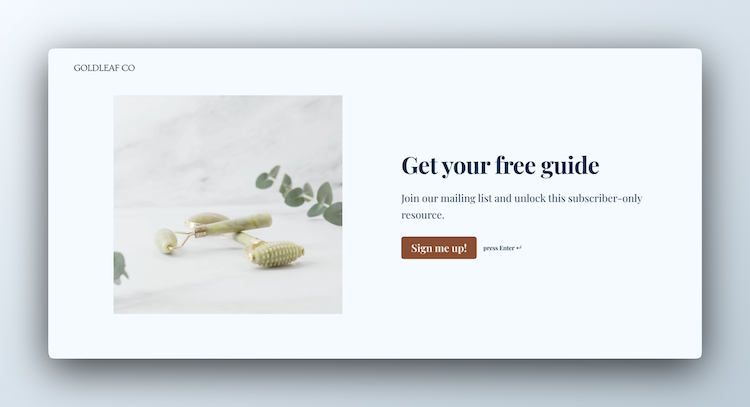
Lead Capture Form
Engage visitors and turn them into qualified leads with a simple, high-converting form.
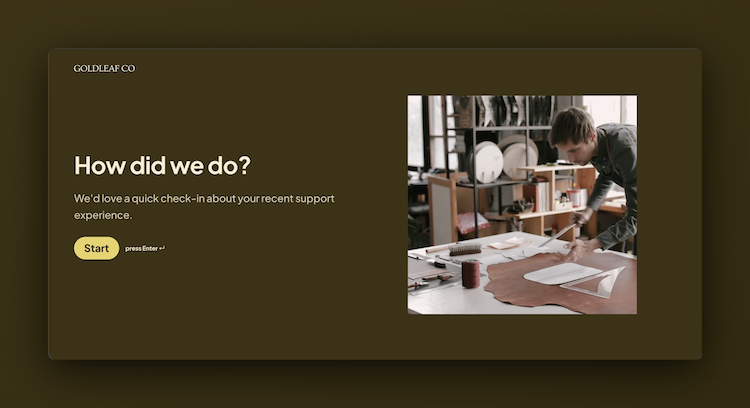
Customer Effort Score (CES) Survey
Measure how easy it is for customers to interact with your product, and use those insights to reduce churn and strengthen loyalty.
Enhance your conversational forms
Conversational forms work beautifully with other Formsuite features. Combine them for even more powerful form experiences.